

AI assistants and agents are becoming an integral part of many individual and business workflows. By default, however, many AI providers log user data and use their prompts, chats, and inputs to train new models.
For some, this might not seem like a concern. Big data and advertising are enormous parts of the global economy, and collecting data (with consent) is common practice for many businesses.
For AI in particular, however, data privacy is a real concern for businesses in ways that might be unexpected due to how much personalized and proprietary data people share with it.
In this article, we’ll explain why it matters, and the different levels of AI privacy you can implement to help protect your data.
The importance of AI privacy for businesses
For certain industries like healthcare or legal services, putting company data into an AI chatbot has some obvious concerns. Sharing confidential or proprietary data can have serious legal repercussions, and may also expose a business to security risks.
Some teams may not be concerned about sharing their data, or may have policies that allow them to use AI tools regardless of whether their input is used for AI training (for programming, for example).
The somewhat less obvious reason that almost every business should be concerned, though, is to protect the competitive advantage their business has.
On June 30th, 2026, Palantir released a whitepaper titled Institutional Sovereignty in the Age of AI. In this whitepaper, Palantir went into detail on these topics, explaining that by allowing large AI companies to train on your data, you are actually providing them with information that can be used to eliminate your competitive advantage.
This is giving away what Palantir refers to as your “alpha.” Privacy, therefore, isn’t just a concern for companies with legal or compliance obligations, but any organization with data or workflows they wish to remain inside of the company.
Fortunately, there are ways to remedy this. The exact solution depends on the needs of the business, and how important data privacy is to them.
Cloud AI and opting out of training new models
Most of the largest AI companies today offer an “opt-out” option to individual accounts so they can prevent their data from being used to train new AI models.
Training is on by default for consumer plans, but for businesses using the appropriate plans, both OpenAI and Anthropic never use data for training without explicit consent. Although this sounds great, it’s not quite as simple as it seems.
Zero Data Retention (ZDR) agreements
Although popular cloud providers do not use business data for training, they still retain data for safety purposes. If you want them to log virtually no data (with minor exceptions), you must sign a custom Zero Data Retention (ZDR) agreement. These often comes along with special monitoring systems such as OpenAI’s Private Safety Processing (PSP), and Anthropic’s Enterprise Frontier Safeguards (EFS) processes.
This is a good start for privacy, but there are a few things to keep in mind:
- Some of the latest models from providers can have differing data retention requirements
- Company policies and agreements change regularly, so must be monitored accordingly
- You have to rely on a company to honor its agreements/policies, which can be updated or overridden
- Safety of your data is offloaded to a third party
Local AI models
The most reliable way to keep your data private is to run AI models locally, on hardware that you own. Local models can be used completely offline, and any request a user makes to a model stays on their device (or within your local network, if configured for it).
One thing to be careful of is the tooling you use to interact with local models. Although the model itself and the requests you send to it happen on-device, many people actually interact with these models through some kind of interface: a chat assistant that connects users to them, or agentic harnesses to search the web, run tools, and execute code.
Harnesses and other kinds of “glue” software may also phone home and use your data, so it’s worth checking on those too if you want to keep everything offline.
What’s the catch?
If local AI really offers the best privacy protection for businesses, then why isn’t everyone running it?
One of the reasons could be cost/capability, but we don’t believe it is a compelling argument. While local models may not be able to compete with frontier-level reasoning, they are capable of completing myriad business tasks such as summarizing documents, triaging requests, analyzing data, and more.
We think that the more compelling reason is the setup. Local AI can be tricky to set up and get working across a fleet of consumer machines, such as laptops or workstations, and it can be difficult to choose the right model (or customize it) to fit a business’s needs.
Get up and running with local AI using Cascadia
Cascadia allows teams to run a private AI cluster across their existing hardware, without anything leaving their network.
With Cascadia Enterprise, we’ll help you get set up, choose the right models given your hardware, and even create fine-tuned models suited to your specific business use case. Everything runs from your own infrastructure, and is paid per device rather than per token.
If you want to run AI privately across your organization but need help getting started, book a call with us now.
Related articles

Research
Best Exo Alternatives for Intel PCs (Linux and Windows)
Exo isn't your only option. Here are the best alternatives for Intel PCs that run great on both Linux and Windows.
Read more
Announcement
Use Apple Foundation Models as Claude Code Subagents
yeschef now supports Apple Foundation Models on macOS 27, so Claude Code can delegate smaller tasks to Apple’s on-device model and save on your Claude usage.
Read more
Research
Local AI on Business Laptops: What Hardware Do You Need?
Many business laptops and workstations can now run capable AI models locally. This post covers what running AI on-device actually involves and how much RAM you need for different kinds of work.
Read more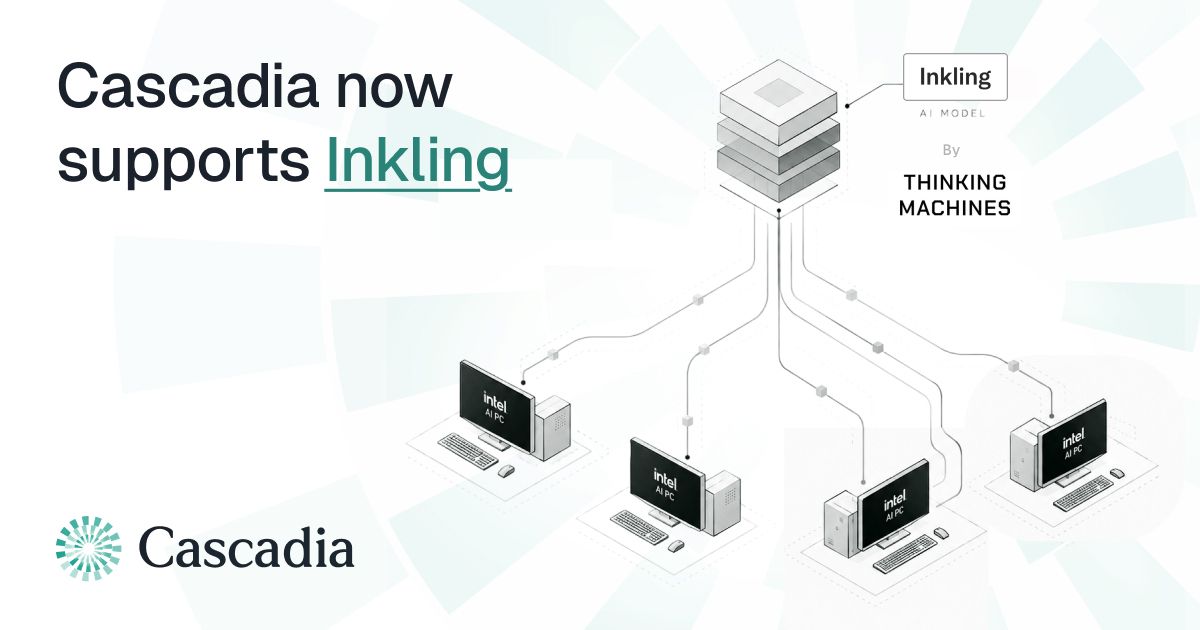
Research
Running Inkling (975B) Across Eleven Intel PCs with Cascadia
We ran Thinking Machines' Inkling (975B) across eleven Intel Core Ultra PCs using Cascadia, reaching a peak of 60.29 tok/s of aggregate decode throughput with 88 concurrent requests.
Read more
Research
How NPUs Help with Local LLM Inference
Most modern laptops now ship with an NPU, but few people use it for running LLMs.
Read more
Research
Building a Permissioned, Peer-to-Peer AI Inference Network
How a permissioned peer-to-peer system can turn a fleet of PCs into a single, on-prem inference endpoint.
Read more
