

Many modern workstations and laptops have the ability to run capable AI models locally, with moderate amounts of RAM and no discrete GPU required.
There are a lot of assumptions about running AI on devices such as these, mostly concerning capability and cost.
We’ll take a look at what it means to run AI on-device and what hardware requirements you really need depending on the tasks you want to do.
What it means to run AI locally
Many businesses pay cloud AI companies for either token usage, or subscription plans for access to AI chat assistants and coding agents. Employees send requests to an AI model which runs in the cloud and processes the request, and responds to the user.
Local AI is about hosting the AI model on your own device, and processing requests on your device, instead of the cloud. Local AI can range from more developer-friendly tooling for downloading and accessing models in the terminal, to complete chat interfaces, assistants, and agents such as those provided by Ollama or Hermes by Nous Research.
The benefits of local AI for businesses
The two largest reasons to run AI on the devices you own are cost and privacy.
The most notable benefit is the fact you don’t have to pay for a subscription or token usage. Local AI only costs the electricity to power your machine, and the hardware itself. The benefits of data privacy are maybe less obvious from a cost-analysis perspective, but are important too.
The cost of using cloud AI
The cost of using AI assistants (and agents for coding) has been at the forefront of the discussion for many larger companies. There has been a number of horror stories concerning token spend, but these can be alleviated with appropriate budgeting and billing limits.
Team subscription plans paid per seat (per year) are also common, and in truth are well priced. The average team plan, such as those offered by OpenAI or Anthropic sits at $20 per month, so around ~$24,000 a year for a team of 100 employees.
Enterprise plans (for teams with more than 150 employees) are estimated to be ~$60 per seat, so ~$720,000 for 1,000 employees. That’s no small operating expense, and is also completely in control of a third-party: vendor lock-in is a concern as well as price hikes, and “silent nerfs” (a theory around deliberate service degradation) which has been a frequent concern among the community.
Running AI locally brings the cost of running a model down drastically, as the only real cost is energy. There are other tradeoffs though, which we will explore later in this article.
Keeping data on-premises
The second benefit is data privacy.
Many cloud AI providers do offer Zero Data Retention (ZDR) agreements, which means they are contractually obligated to retain none of your data provided through prompts or requests. The data still must leave your network to reach the provider, however.
Many cloud providers also make their most powerful models exempt from ZDR policies, meaning to get the most out of your subscription plans you must give up your company’s internal data.
There are many concerns about the loopholes and risks associated with these policies, but ultimately it is up to each organization who they decide to trust or not trust.
Many industries, such as healthcare or legal services, are much better served by running models on-device, completely offline, or at minimum, within their own network. Even in verticals which aren’t as sensitive as these, preventing proprietary data from exposure is a win in most cases.
The question is whether or not you accept these benefits, which model works best on the hardware you own.
Hardware and model performance
The hardware you have available and the kind of workflows you wish to run will determine which model is most suitable for you. The most important hardware requirement is memory (RAM).
AI models need to be loaded into memory, and the more powerful the model, the larger its size (generally speaking). Machines with 32GB RAM or higher are ideal for local AI models.
The next most important thing is the presence of an integrated GPU (iGPU) to run AI inference.
Many modern chipsets come with an iGPU as well as an NPU (neural Processing Unit), which can be helpful for certain LLM workloads (for example, something called prefill).
Quantization and model architectures
One of the reasons that local AI is becoming much more capable is quantization.
Quantization is essentially compression. A model with 31 billion parameters, such as Google’s Gemma 4 for example, is around 69.9GB unquantized. Compressed versions can be as small as ~19GB in size: perfectly suited to fit on a machine with 32GB of RAM, and plenty of memory spare for running other applications.
The act of quantization, while reducing the amount of memory you need and increasing the speed of inference, does come with some downsides (such as performance degradation across long sessions or complex tasks). Usually it’s best to find a quantization somewhere in the middle so that you can fit a larger (and more powerful) model on your laptop, but without drastically affecting performance.
Mixture-of-Experts (MoE) models
There are two dominant architectures for some Large Language Models (LLMs) at the moment: “dense” models, and “sparse” MoE models.
In simple terms, the amount of parameters a model has determines its size (and capabilities).
Dense models need to activate all of these parameters when generating a response, which requires a lot of computing power.
MoE models only select a handful of “experts” they need to generate a response, which requires significantly less active parameters. This means MoE models can perform extremely well with much less computing power, whilst maintaining a high degree of intelligence.
Hardware comparisons and recommendations
By quantizing MoE models, end users can utilize a number of powerful models on standard laptops and workstations.
Here is a table with examples of the largest models a laptop could run given its RAM, and what kind of tasks it can be used for.
| Memory | Model size | Example model | Good for |
|---|---|---|---|
| 8GB | Tiny models, around 1–4B parameters | Gemma 4 E2B / E4B, Qwen3 4B, Phi-4-mini (3.8B) | Rewriting emails, short summaries, sorting and tagging text |
| 16GB | ~7–8B, with up to ~20B possible for efficient models | Qwen3 8B, Llama 3.1 8B, gpt-oss-20b | Drafting, summarizing documents, meeting notes, basic coding assistance |
| 32GB | ~14–30B parameters | Phi-4 (14B), Gemma 4 26B, Qwen3 30B | Stronger coding assistance, longer documents, question-answering over internal files |
| 64GB+ | ~30–70B parameters (or larger, depending on amount of RAM) | Gemma 4 31B, Llama 3.3 70B, gpt-oss-120b (128GB) | Agentic coding, results close to cloud tools for many everyday tasks, still for one user |
| Beyond one machine | 100B+ parameters | Large frontier-class open models | Highest quality, many users at once |
The tradeoffs of running AI on-device
There are a few tradeoffs to keep in mind when using local models. For laptops, you will see an increase in battery usage and heat (which is somewhat expected). The more prominent tradeoff is model capability, as alluded to in the table from the previous section.
The truth is, however, that most businesses aren’t discovering or creating new mathematical proofs, or building their own version control system. For regular administrative tasks, research, and agentic coding, local models can often suffice.
Many businesses use local models to save on costs and for more basic or private workflows, while relying on frontier models for more complex tasks.
Run powerful local AI models across your machines
Much of this article has covered running a single model on each machine. But what about the possibility of running a much more powerful model, split across your machines, too?
Once a team has a need for a more capable model which can’t fit on each device, the typical response is to purchase a GPU server. Cascadia takes a different approach: it connects the laptops and workstations your business already owns, so they can run larger models together.
Cascadia Enterprise gives your team the tools to deploy and manage this across a fleet, and employees a familiar chat interface and API on their machine.
Related articles
Announcement
Use Apple Foundation Models as Claude Code Subagents
yeschef now supports Apple Foundation Models on macOS 27, so Claude Code can delegate smaller tasks to Apple’s on-device model and save on your Claude usage.
Read more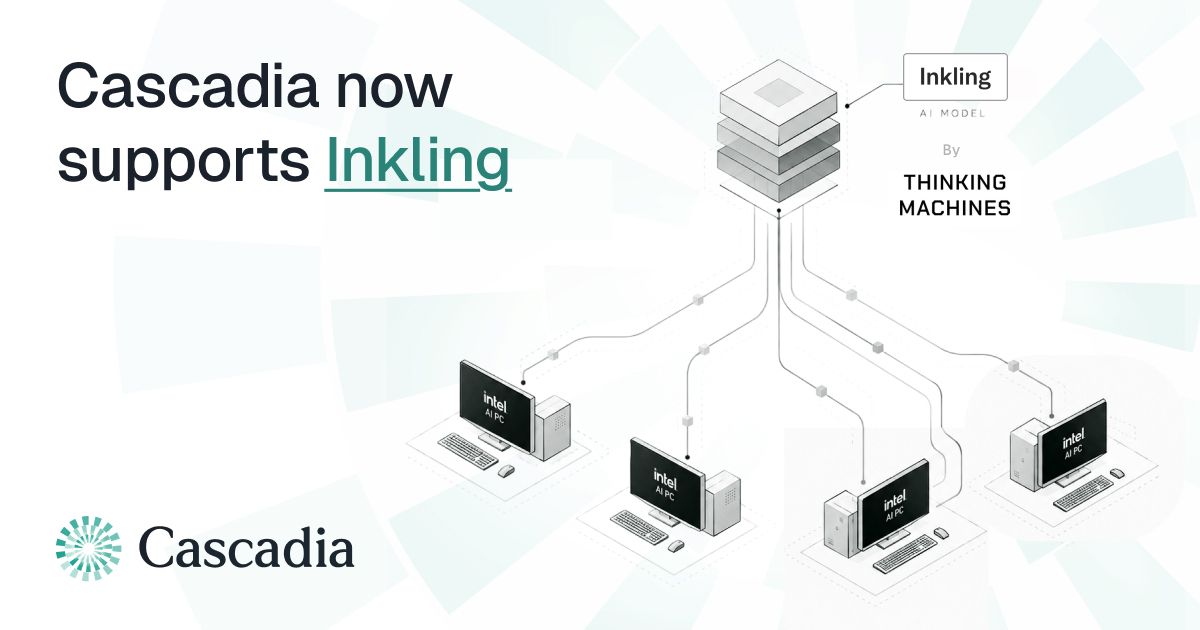
Research
Running Inkling (975B) Across Eleven Intel PCs with Cascadia
We ran Thinking Machines' Inkling (975B) across eleven Intel Core Ultra PCs using Cascadia, reaching a peak of 60.29 tok/s of aggregate decode throughput with 88 concurrent requests.
Read more
Research
Where NPUs Fit into LLM Inference
Most modern laptops now ship with an NPU, but few people use it for running LLMs.
Read more
Research
Building a Permissioned, Peer-to-Peer AI Inference Network
How a permissioned peer-to-peer system can turn a fleet of PCs into a single, on-prem inference endpoint.
Read more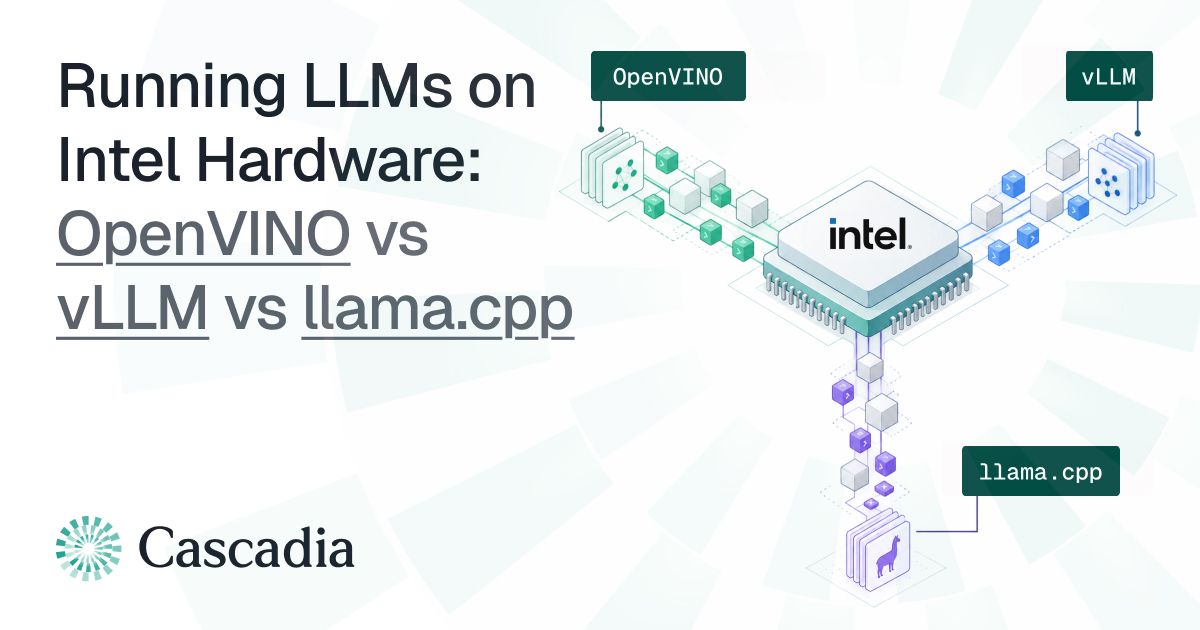
Research
Running LLMs on Intel Hardware: OpenVINO vs vLLM vs llama.cpp
Comparing various runtimes for Intel hardware.
Read more
Research
Where We're Going, We Don't Need Data Centers.
Data centers are being rapidly constructed for the purpose of training and serving AI models, but the demand for new data centers is largely predicated on the growth of AI inference.
Read more
