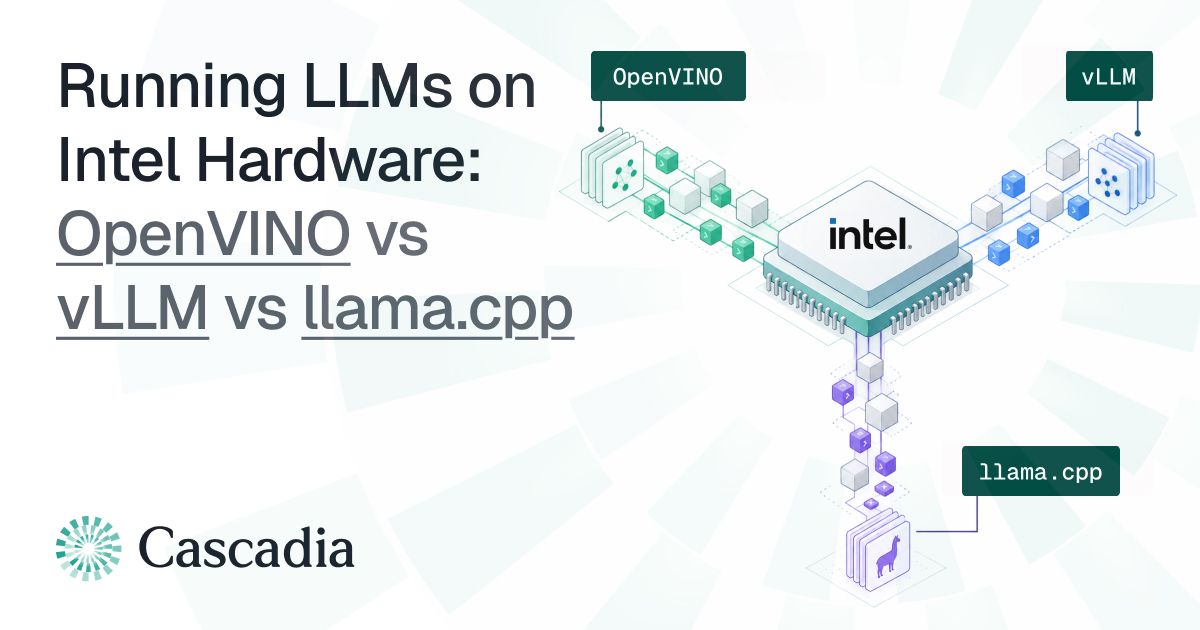
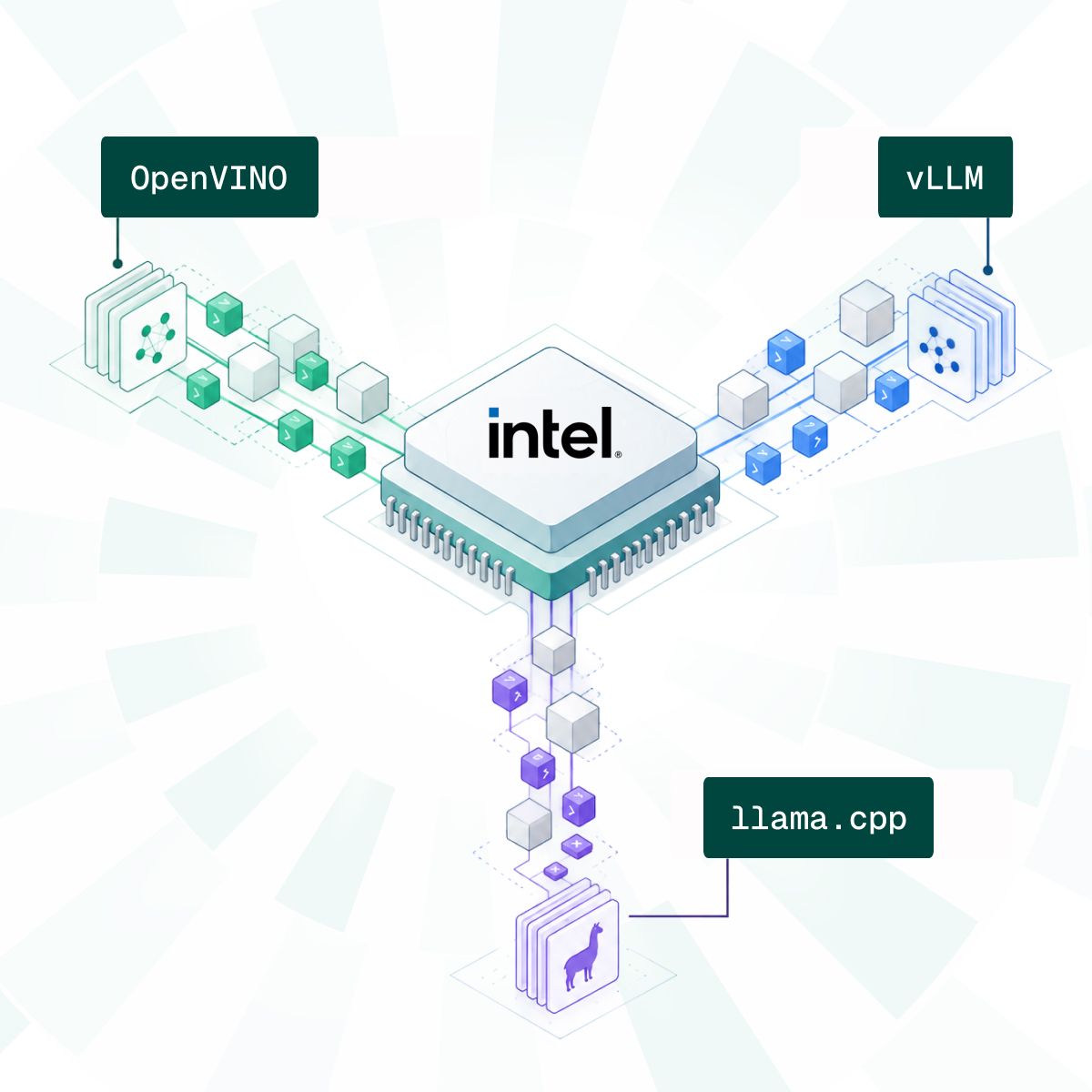
There are a number of different ways to run LLMs on Intel hardware, and often times, different pieces of software get compared with one another for accomplishing this task: such as OpenVINO, llama.cpp, and vLLM.
In reality, these are different products which solve different problems, and sometimes operate at entirely different levels of the inference stack.
Depending on the exact use case an organization or user has, as well as the Intel hardware they have access to, will determine which product is the optimal one to use.
In this article, we’ll take a look into this runtime rabbit hole, explain how each one works, their advantages and disadvantages, and what the differences are between them.
What is OpenVINO?
OpenVINO is a toolkit developed and managed by Intel that can be used for running large language models across Intel CPUs, GPUs, and NPUs.
Two of OpenVINO’s most relevant functions are optimizing/converting models for Intel hardware, and executing those models.
LLMs are often exported or shared in different formats, and OpenVINO converts these into OpenVINO IR (a format designed to run on OpenVINO, and efficiently on Intel hardware). The conversion process also typically involves quantization, such as FP16 or INT4 compression.
The OpenVINO runtime loads the model in IR format, and executes it on the actual Intel hardware a device has.
Advantages
- Strong Intel hardware optimization: highly tuned for Intel CPUs, GPUs, and NPUs; fast inference, TTFT, and model loading
- Flexible device targeting: once you have the same application, it can run across different supported Intel accelerators
- Automatic load balancing: OpenVINO can use mechanisms such as
AUTOandHETEROto distribute work across hybrid setups, such as an Intel CPU + GPU - Model variety: broad support for various different models and model architectures
Disadvantages
- Intel-centric ecosystem: main benefits are tied to Intel hardware, making it less attractive for heterogeneous setups (e.g. Intel CPU + NVIDIA GPU)
- Feature support varies by device: different CPUs/GPUs/NPUs may have different levels of feature support
- Possible setup friction: models may require conversion or adjustments to get up and running
- First-run compilation overhead: a model may need to be compiled before inference, increasing initial load/latency (can be mitigated with caching on subsequent runs)
What is llama.cpp?
llama.cpp is an inference engine which, unlike an Intel-specific solution, supports many different kinds of hardware vendors such as NVIDIA, Apple, and AMD.
llama.cpp loads in GGUF models downloaded from websites such as HuggingFace, and can pass them to a backend which translates the model for the device’s hardware and executes it.
Interestingly, llama.cpp has support for a variety of backends including various CPUs, CUDA for NVIDIA cards, Metal for Apple hardware, and more. Two of these backends are also dedicated to Intel hardware: SYCL, a programming model for Intel GPUs, as well as support for OpenVINO itself.
However, it’s important to note that the OpenVINO backend is a work in progress, and it doesn’t yet have uniform coverage with OpenVINO on things such as model and device support.
This makes the relationship between the two a little more nuanced than “OpenVINO vs llama.cpp”. OpenVINO can be used independently as a standalone toolkit and runtime, or it can be used as part of an underlying engine such as llama.cpp (albeit still reaching maturity).
Advantages
- Broad hardware support: llama.cpp supports CPU inference alongside SYCL, Vulkan, CUDA, Metal, and other backends
- Strong support for Intel GPUs: SYCL targets Intel GPUs and iGPUs, and the newer OpenVINO backend could extend this further
- Flexible heterogeneous and multi-device execution: supports CPU+GPU hybrid inference, multi-GPU layer splitting, and tensor-parallel execution on supported backends.
- DX and GGUF ecosystem: lightweight C/C++ implementation, extensive quantization support, simple CLI/server tooling, and the ability to run GGUF models directly without a separate model-conversion pipeline.
Disadvantages
- Performance varies significantly by backend: optimization maturity and feature coverage are not uniform across hardware targets.
- Intel GPU setup can involve more tooling: SYCL deployments may require compatible Intel drivers, oneAPI components, or backend-specific builds and configuration.
- Advanced multi-GPU features are still maturing: tensor parallelism is experimental, and performance/support can depend heavily on the backend and interconnect.
- Less turnkey optimization: getting the best performance for your Intel hardware may require additional work, such as manually selecting quantization, backend options, etc.
What is vLLM?
vLLM is another engine for large language models, but is a little different as it combines inference with model serving.
As vLLM is designed for high throughput inference and serving, it has many optimizations for efficient request batching, managing KV caches, and scalability. vLLM was behind the original PagedAttention memory optimization, which has made its way (in some shape or form) into other runtimes (including OpenVINO).
vLLM can serve models from a single server and replicate the model it is serving, it can shard/split larger models across multiple nodes, and supports other kinds of parallelism such as tensor parallelism.
Like llama.cpp, vLLM supports various different backends and has native Intel XPU and CPU support. There is a plugin for OpenVINO, however it lacks all of the features of pure OpenVINO, and is slightly behind the core vLLM release (at the time of writing).
Advantages
- Excellent concurrent serving performance: includes features such as continuous batching and efficient KV-cache management (although not unique to vLLM)
- Strong distributed inference support: supports tensor, pipeline, data, expert, and context parallelism for scaling large models and workloads.
- Strong production-serving DX: Integrations with Hugging Face and an OpenAI-compatible API make it easy to expose models as a service.
- Broad model and optimization ecosystem: vLLM supports many model architectures and quantization methods, and serving strategies
Disadvantages
- Data center-first deployment model: vLLM is optimized and focused on enterprise-grade hardware, rather than commodity machines
- Intel hardware support: Intel CPU support is basic, and there is no Intel NPU backend in core vLLM
- Intel distributed features remain limited: pipeline parallelism on XPU is currently in beta, and is only for single-node execution
- Heavier deployment stack: llama.cpp and OpenVINO are more lightweight in comparison
Which Runtime Should You Choose?
There isn’t a single correct answer, and it depends largely on which Intel hardware you own, if you have a single-user or multi-user setup, and how involved you want to be in the process.
For a general idea of when you might want to choose:
OpenVINO
- You need strong Intel optimization across CPUs/GPUs/NPUs
- You don’t mind some additional setup or pre-compiling models yourself
- You are running it on a single machine, or across isolated machines
llama.cpp
- You want a simple deployment process (including OpenVINO as a backend)
- You need a wide range of device and/or hardware support
- You want or need access to SYCL for Intel GPUs
vLLM
- You are serving models to many users, rather than a single machine setup
- You own enterprise-grade or data center hardware
- You don’t require OpenVINO, or can handle less mature Intel NPU support
There is a lot of overlap between all three, and the choice isn’t necessarily “OpenVINO vs llama.cpp”. You may choose llama.cpp for better DX and GGUF model support, and select OpenVINO as the backend, for example.
The better question is which runtime or engine will provide a solution to yours or your organization’s problem.
Cascadia: Running LLMs Across Commodity Intel Hardware
At Cascadia, we provide a different solution that the three mentioned runtimes/engines do not solve for yet.
Many organizations own tens or hundreds of Intel-based machines, such as employee laptops and desktop PCs. Individually, these machines aren’t capable of running powerful large language models, but together, they have the computing power to do so.
Likewise, regular users and homelab enthusiasts may have Intel GPU rigs, or multiple Intel-powered devices in their home setup.
Cascadia splits powerful LLMs into shards which run across the hardware you already own. It is built directly on top of OpenVINO, and can be thought of as OpenVINO for multi-machine and multi-user setups.
Cascadia is open source, supports various modern model architectures, and is OpenAI API compatible to easily work with your existing tools. Get started with the GitHub repository here.
If you’d like to get in touch and see how we could help out your organization in particular, book a discovery call with us here.
Related articles
Announcement
Use Apple Foundation Models as Claude Code Subagents
yeschef now supports Apple Foundation Models on macOS 27, so Claude Code can delegate smaller tasks to Apple’s on-device model and save on your Claude usage.
Read more
Research
Running Local AI on Business Laptops: What Hardware Do You Actually Need?
Many business laptops and workstations can now run capable AI models locally. This post covers what running AI on-device actually involves and how much RAM you need for different kinds of work.
Read more
Research
Running Inkling (975B) Across Eleven Intel PCs with Cascadia
We ran Thinking Machines' Inkling (975B) across eleven Intel Core Ultra PCs using Cascadia, reaching a peak of 60.29 tok/s of aggregate decode throughput with 88 concurrent requests.
Read more
Research
Where NPUs Fit into LLM Inference
Most modern laptops now ship with an NPU, but few people use it for running LLMs.
Read more
Research
Building a Permissioned, Peer-to-Peer AI Inference Network
How a permissioned peer-to-peer system can turn a fleet of PCs into a single, on-prem inference endpoint.
Read more
Research
Where We're Going, We Don't Need Data Centers.
Data centers are being rapidly constructed for the purpose of training and serving AI models, but the demand for new data centers is largely predicated on the growth of AI inference.
Read more
